Interests and tags
Every signup is tagged in bluefox, so you can build segments (has tag) and compare placements.
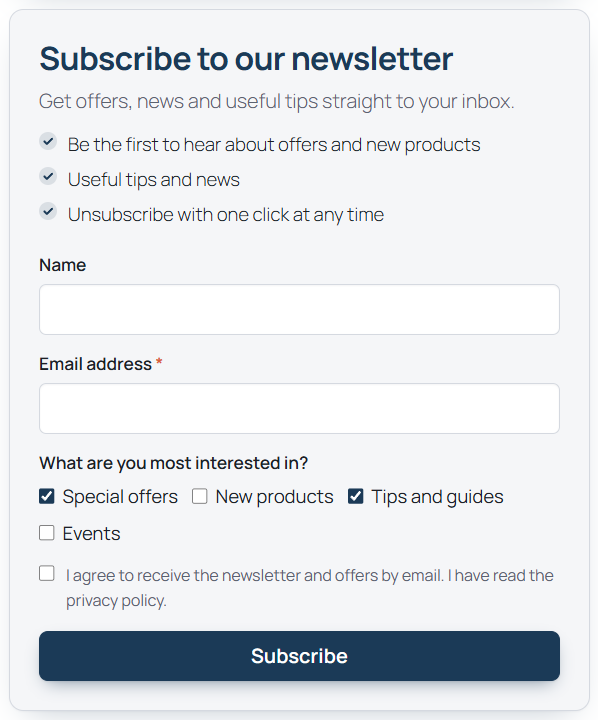
Tags the plugin adds
| Tag | When |
|---|---|
source-<source> |
always. Sources: shortcode, block, promo, popup, checkout, account (My Account opt-in), cf7, wpforms, fluentforms, gravityforms, elementor |
placement-<name> |
when the form has a placement name (place="footer" → placement-footer) |
interest-<slug> |
for each interest the visitor picked |
| your extra tags | from the block, shortcode, popup, checkout or form-integration settings |
Tags are lowercase letters, digits and hyphens (accents removed), at most 50 characters, at most 20 extra tags. Placement names are at most 30 characters.
For a contact that already exists in bluefox, the plugin reads the current tags and adds its tags to them; it never removes tags.
The interests field
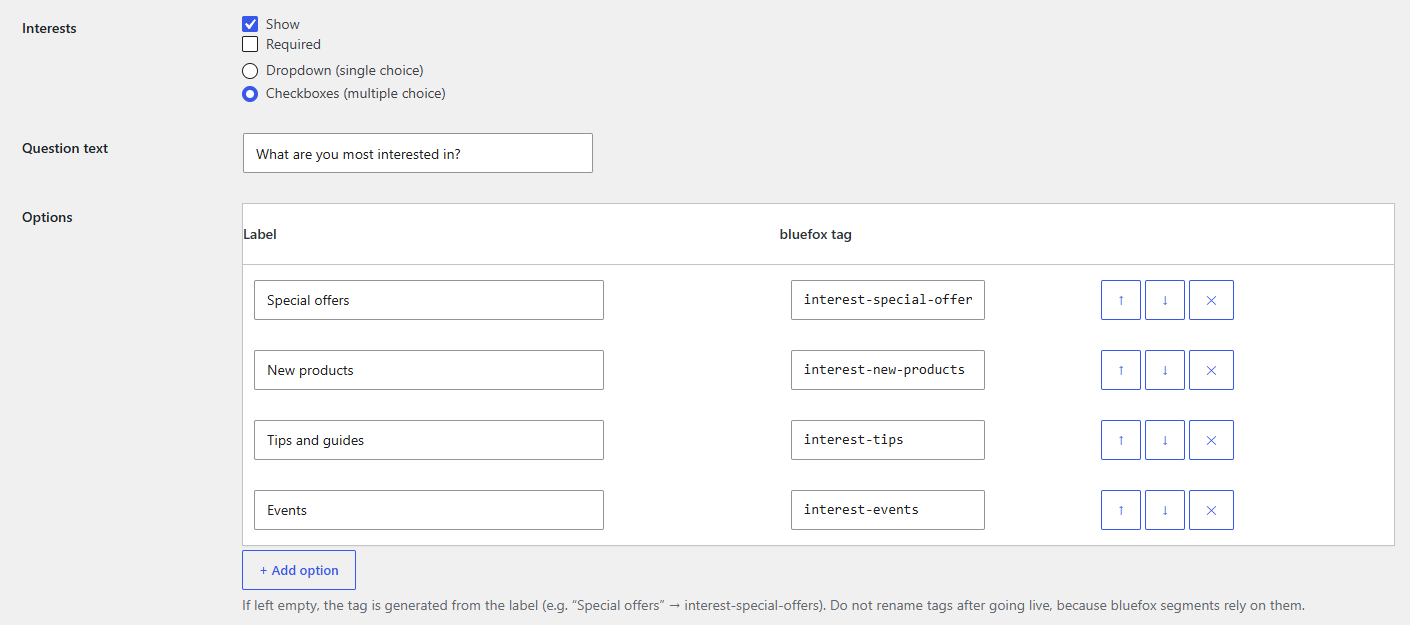
Set it up on the Form tab under Fields → Interests:
- Show / Required.
- Dropdown (single choice) or Checkboxes (multiple choice).
- Question text, default What are you most interested in?
- Options – up to 12 rows of Label and bluefox tag. Leave the tag empty to generate it from the label: Special offers →
interest-special-offers.
Only configured tags are accepted from the browser. Hide the field per form with show_interests="0" (shortcode), the block toggle, or the popup's Interests field checkbox. The checkout and third-party forms have no interests field.
Do not rename tags after going live
bluefox segments refer to tags by name. Renaming a tag in the plugin starts a new tag; existing contacts keep the old one.