Preferences page
Switch: Subscription preferences page (on by default). Texts: Emails tab.
Your own, translatable unsubscribe and pause page on your site, instead of the page hosted by bluefox. Setup is described in Thank-you and preferences pages: a page with the [cfbe_preferences] shortcode, set as the bluefox project's Custom subscription preferences URL.
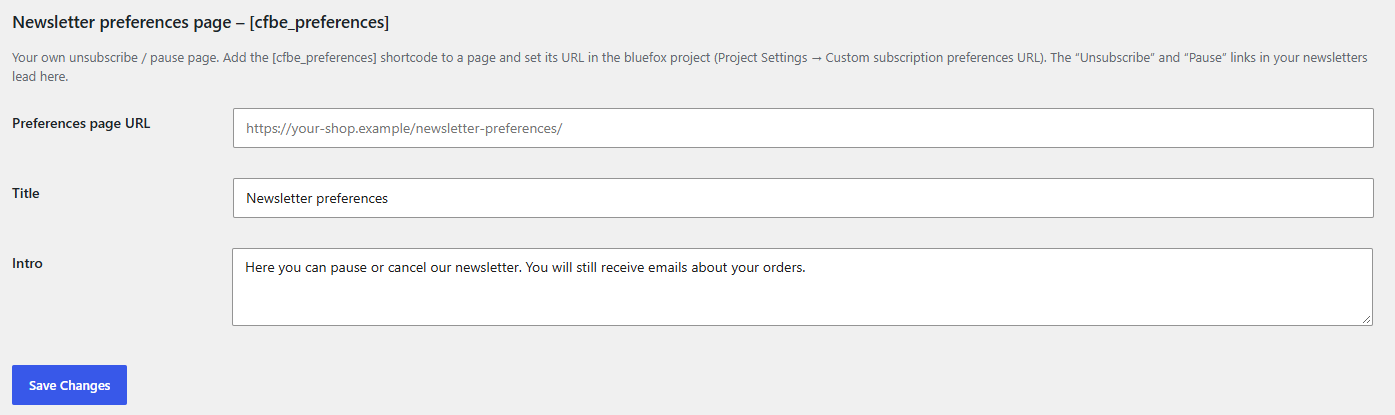
What the visitor sees
The "Unsubscribe" and "Pause" links of your newsletters open the page with a ?token=… parameter. The page shows the Title and Intro from the Emails tab (section Newsletter preferences page), the email address, and the options that fit the current status on one list – the list the newsletter was sent to (when the link carries it), otherwise the list the person signed up to on this site, otherwise the default list from the General tab:
| Status | Options |
|---|---|
| Subscribed | Pause for 1, 3 or 6 months; Unsubscribe from the newsletter |
| Paused | the end date; Resume now; Unsubscribe from the newsletter |
| Unsubscribed | Subscribe again |
| Not confirmed yet | a hint to click the button in the confirmation email |
| Not on the list | This email address is not subscribed to our newsletter. |
When the link came from a "Pause" link, the pause button is the primary one. After a change, a confirmation message is shown on the same page. A paused subscription resumes automatically at the end of the period.
Without a token, or with an invalid or expired one, the page asks the visitor to use the link at the bottom of the latest newsletter:
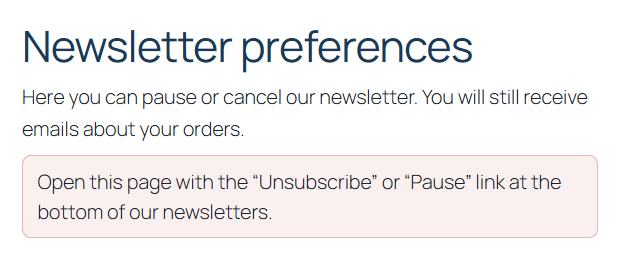
How it works
- The token is the credential. bluefox signs it. The plugin reads the email address and project from it, checks that the project matches yours, and calls the bluefox API with the token itself – never with your API key. bluefox verifies the signature.
- The token is never stored or logged. The page sends
Referrer-Policy: no-referrer, so it does not leak to linked sites. - The buttons are plain HTML forms (no JavaScript). The change is a
POSTfollowed by a redirect, and changes are rate limited (20 per IP per 10 minutes). Page views with a token are limited too (30 per IP per 10 minutes), because each one calls bluefox. - With a token the page sends no-cache headers and defines
DONOTCACHEPAGE, so page caches do not store it. - The new status is also stored on the local signup row, so the Subscribers tab and the abandoned cart opt-in check know about it.
Shortcode attributes
| Attribute | Default | |
|---|---|---|
tag |
h1 |
heading tag of the title: h1–h4 |
show_title |
1 |
0 hides the title, e.g. when the page already has one |
One list
The page manages the subscription on the Default subscriber list set on the General tab. Subscriptions to other lists are not shown.